ComBook reads EPUBs, comics, manga and PDFs the way a native app should — and keeps your place, highlights and bookmarks in step with your own server: Kavita, Komga or Calibre-Web. Open any device and land exactly where you stopped.
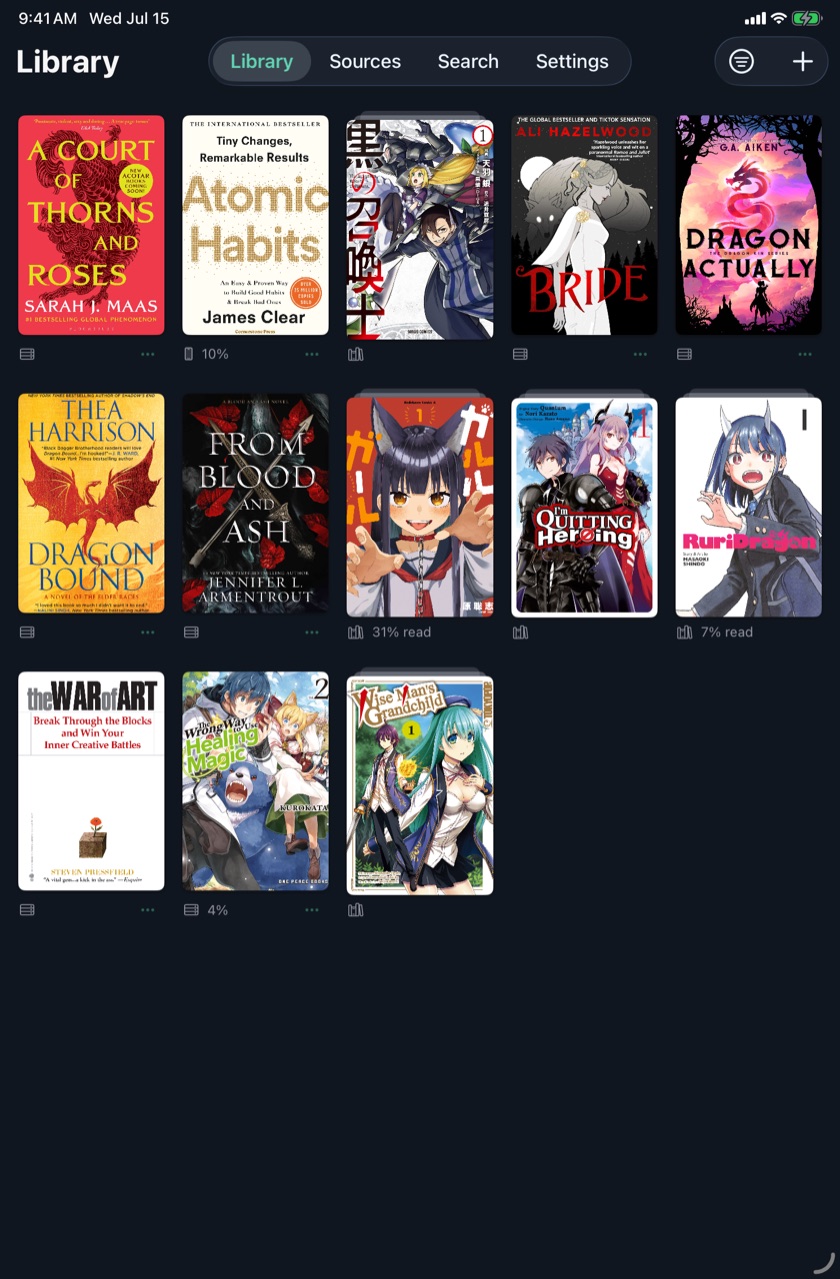
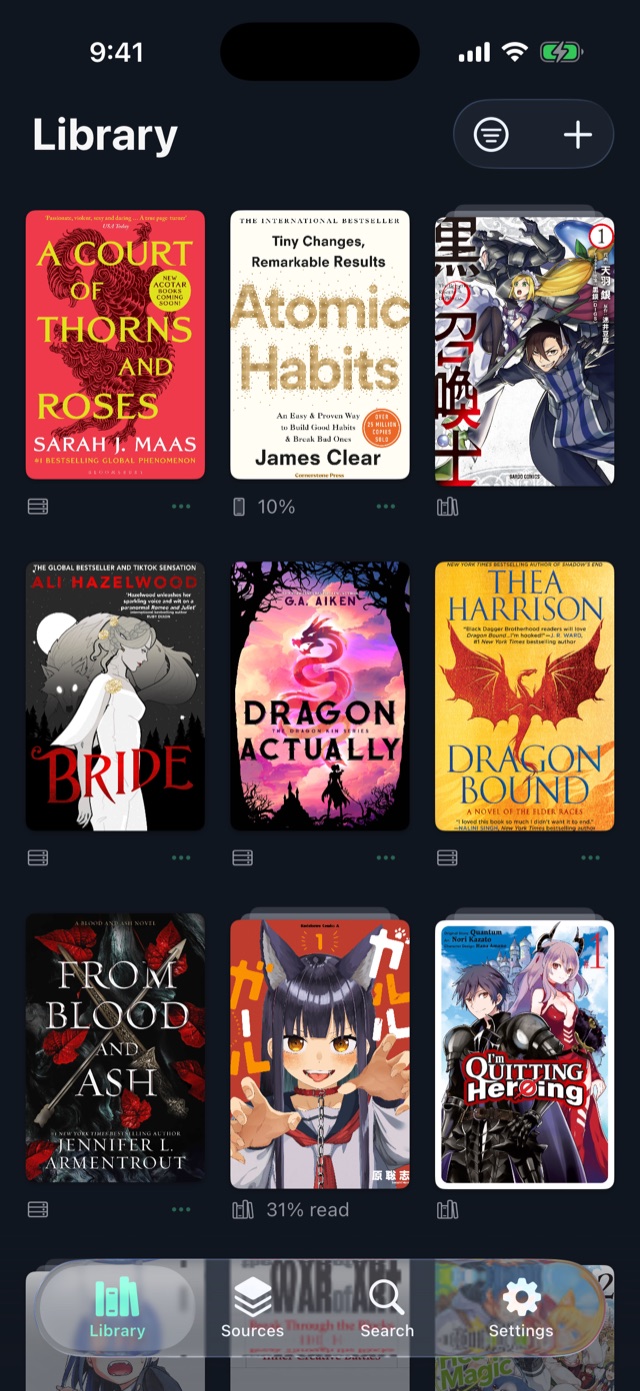
Your whole shelf, on every screen — progress at a glance.
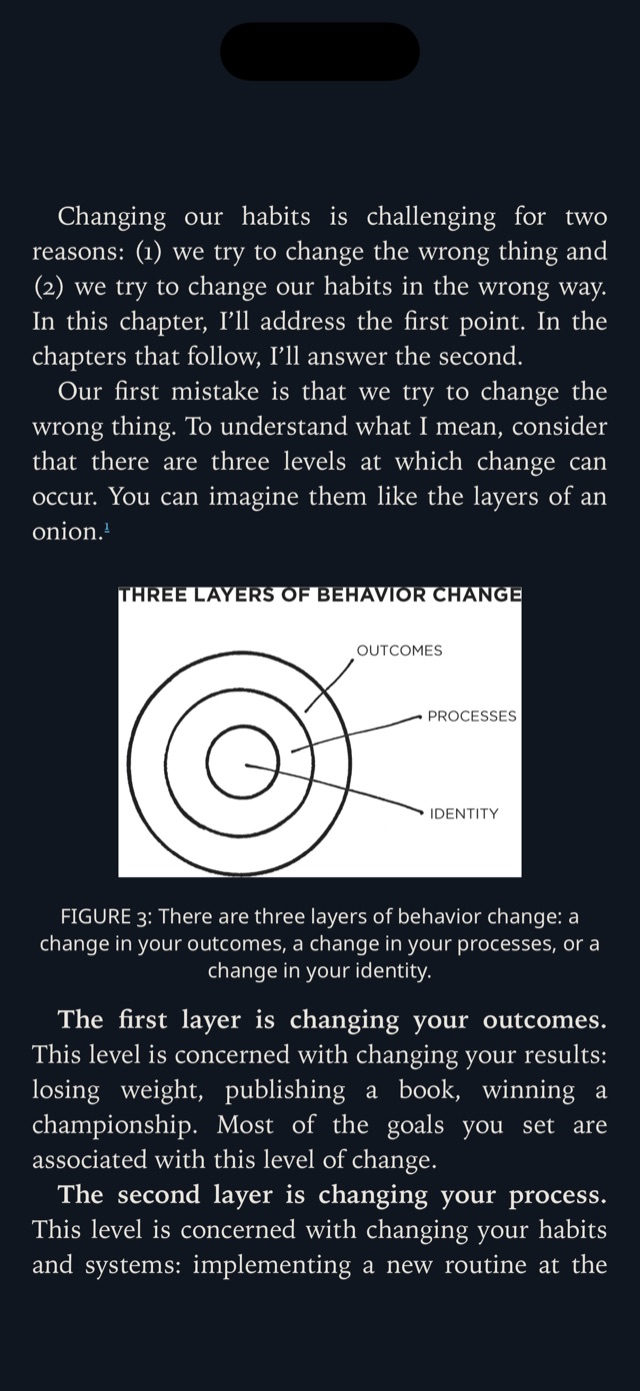
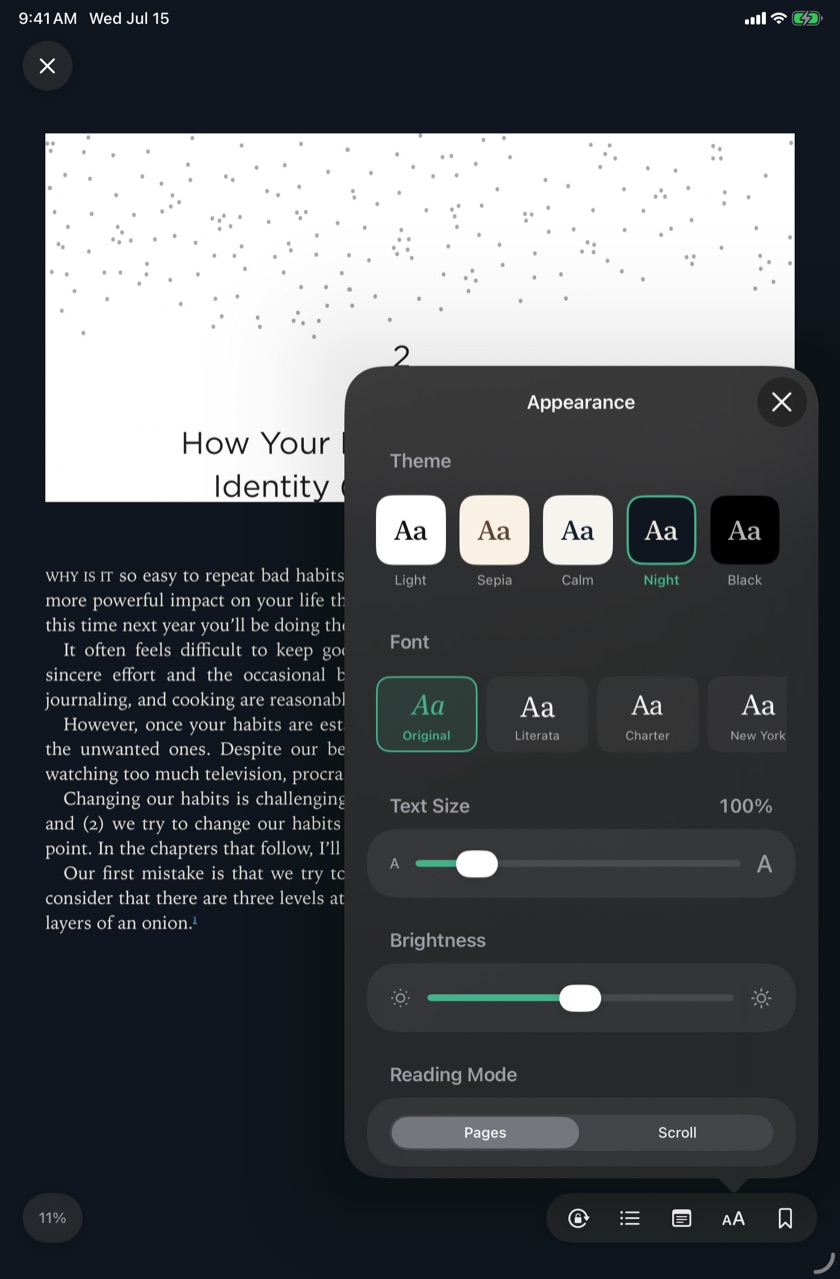
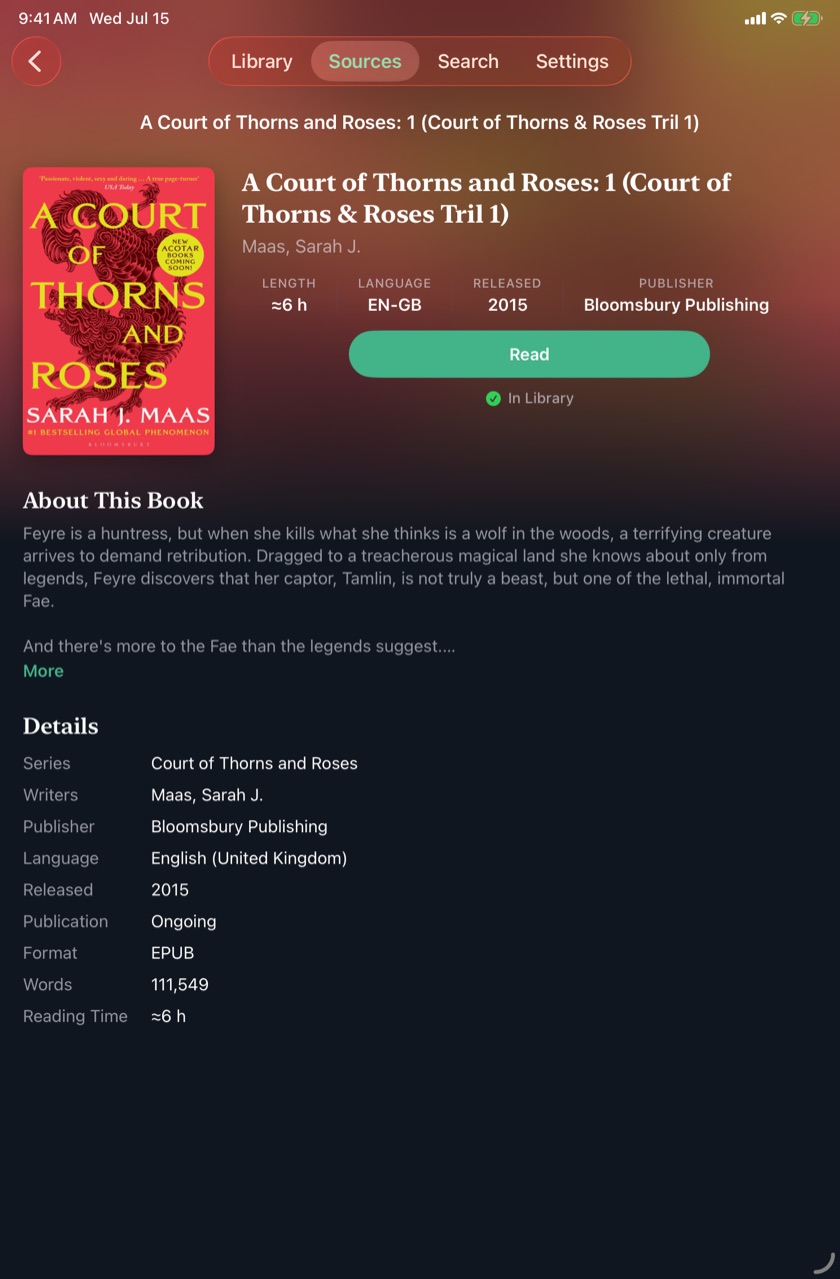
Crisp paginated text, six built-in themes and a shelf of great fonts, with size, margins and spacing dialed exactly to taste. Highlight a passage, attach a note, drop a bookmark, and move through a real table of contents.
Prefer scrolling? Switch to a continuous page. Everything lives one tap away in a clean appearance panel — themes, fonts and layout, previewed live.
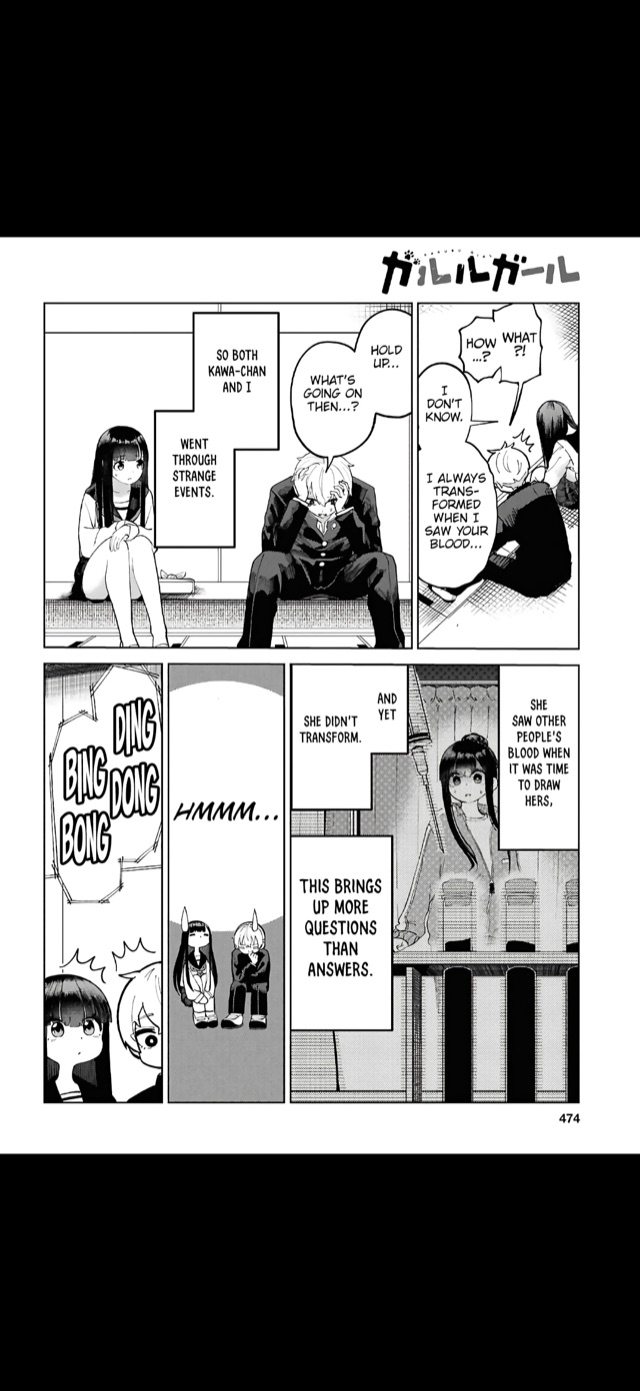
Pinch to zoom into the art, read right-to-left for manga, or flow down a continuous vertical strip for webtoons. Pages are decoded natively, so they stay sharp all the way in.
Opens CBZ, CBR and image-only EPUBs, with series metadata read from ComicInfo.xml so volumes line up in the right order.
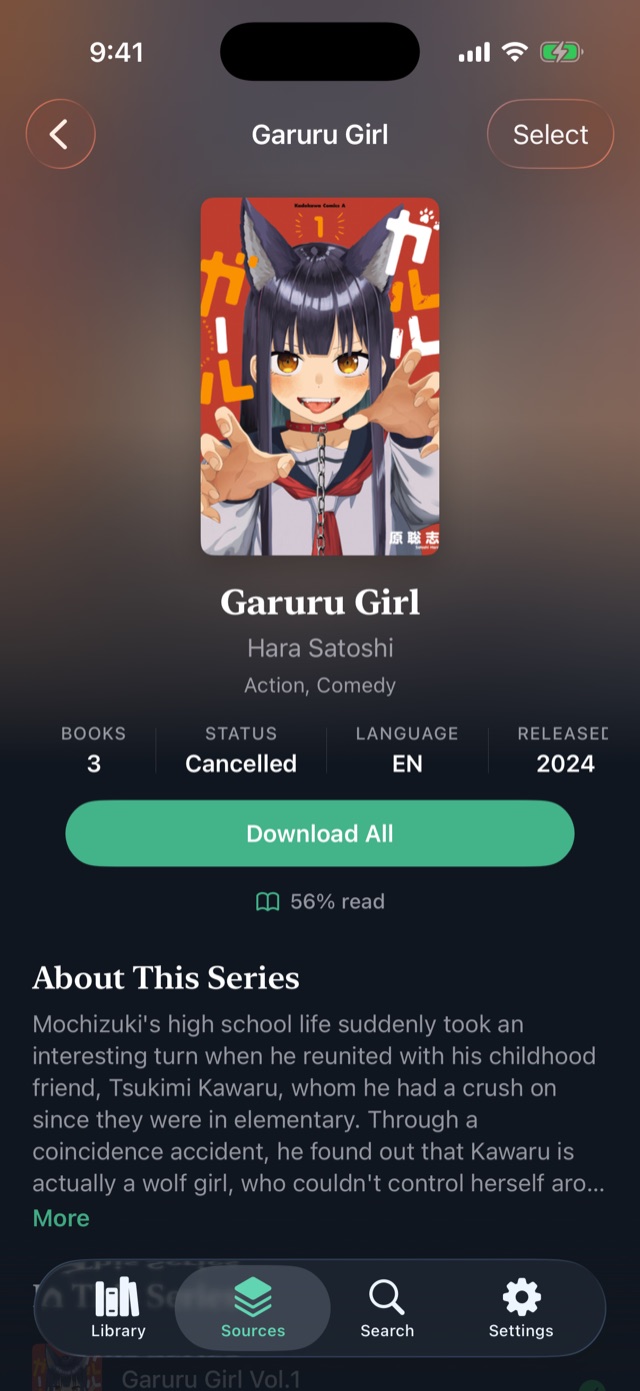
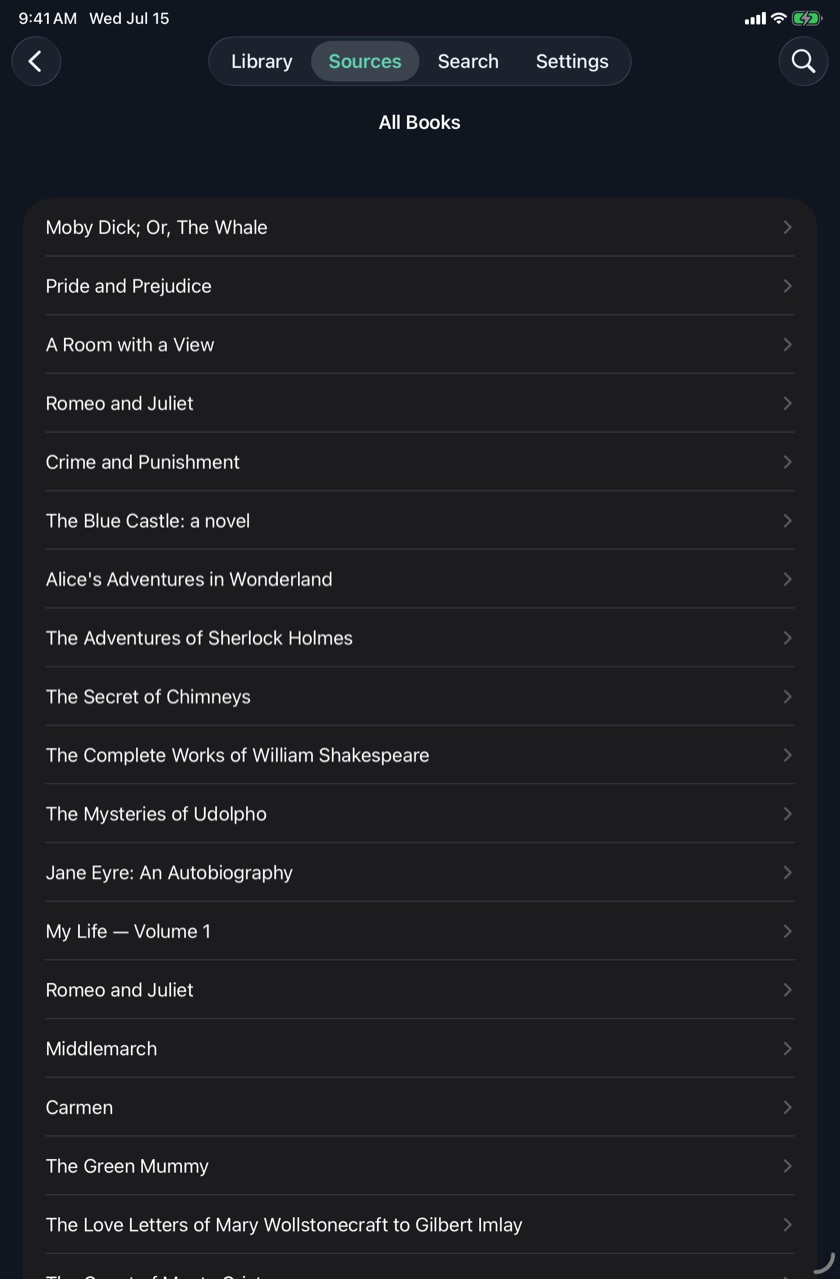
Sign in once and your whole server lives inside the app — Kavita and Komga natively, Calibre-Web and anything else through OPDS. Open a series and you get the full picture on one page: what's already on your device, and what's waiting on the server with a download button right there.
Kavita gets the deepest sync — position, highlights and bookmarks, two-way. Komga and Calibre-Web sync your reading position through the KOReader protocol, so even an e-reader running KOReader stays in step.
Point ComBook at any OPDS feed — Project Gutenberg, Standard Ebooks, Calibre-Web, your own — and browse it like part of the app. Download a book into your library, or stream a comic page-by-page without downloading at all.
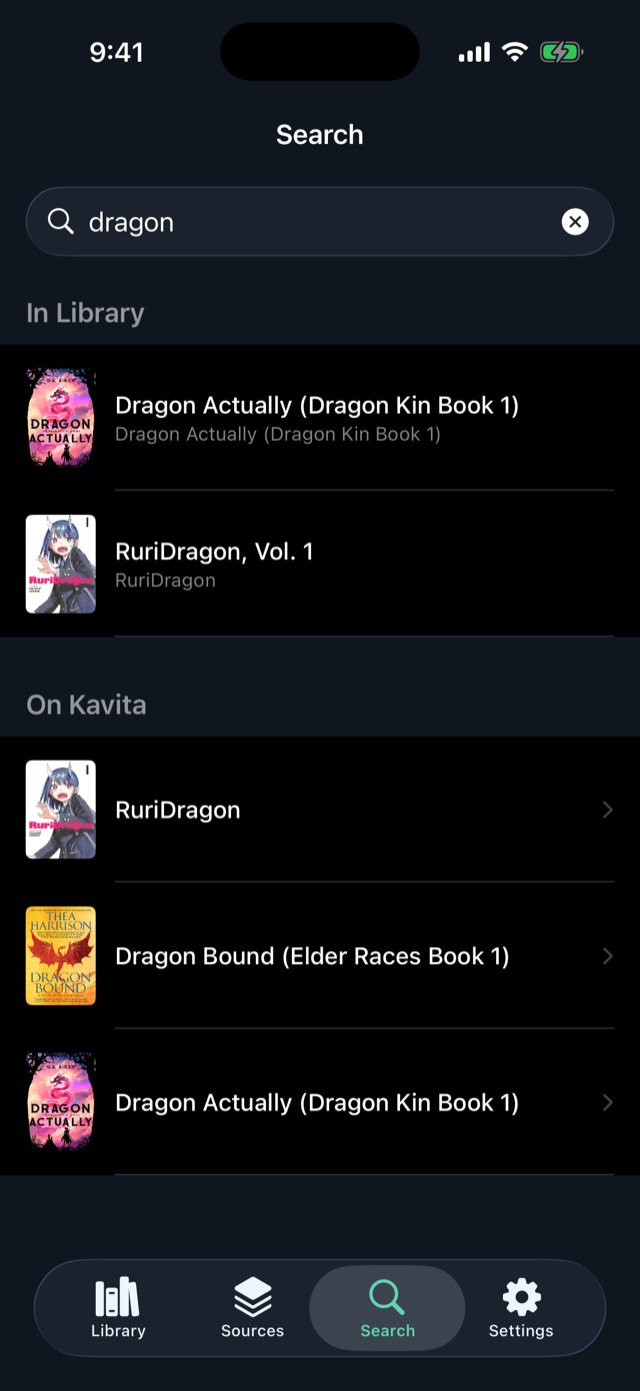
One search box ties it together: type once and the query fans out to your shelf, your servers and every catalog in parallel, with results you open in place.
Paginated or scrolling EPUB rendering with six themes, great fonts and precise text size. Highlights with notes, bookmarks, and a proper table of contents.
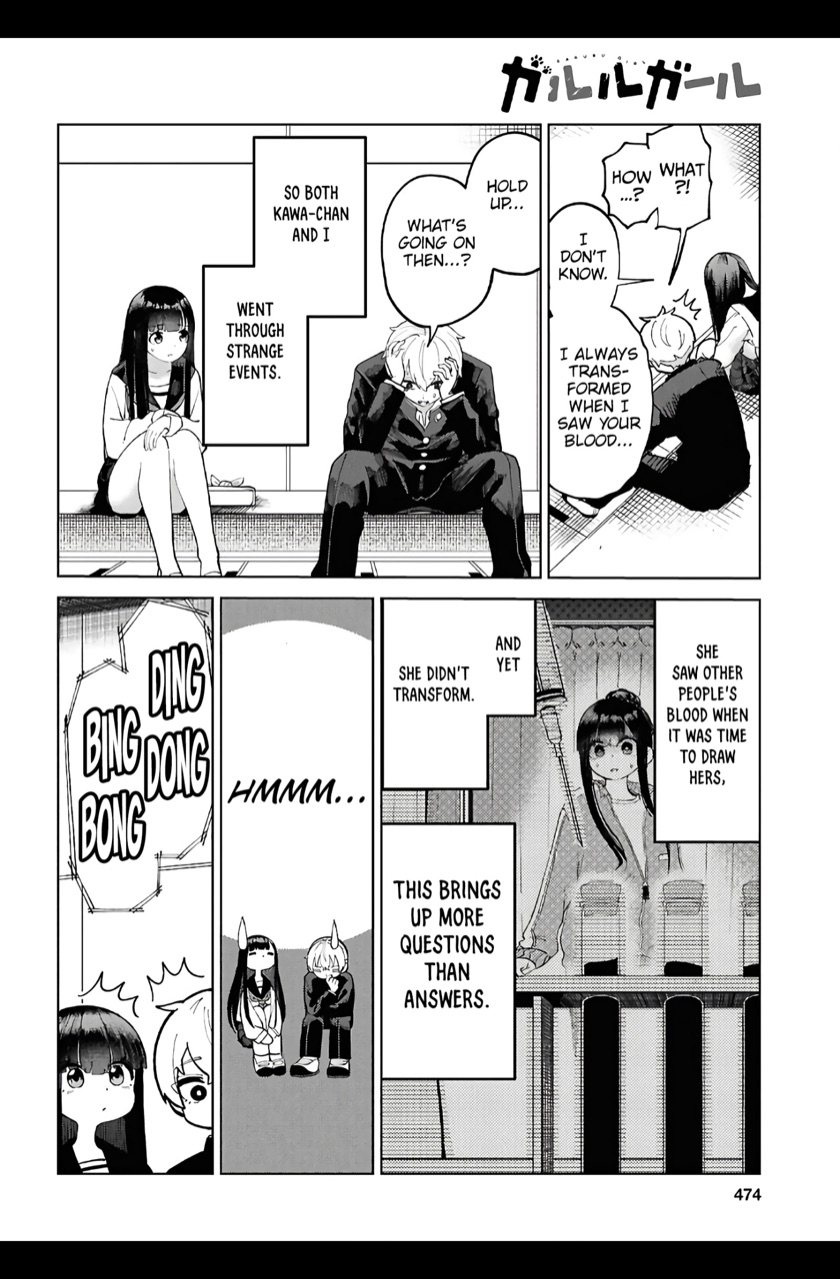
A real image reader — pinch to zoom, right-to-left page order for manga, vertical strip mode for webtoons. CBZ, CBR and image-only EPUBs.
PDFs open in their own page-turn reader with crisp text and zoom, tracked with the same reading position as everything else.
Two-way position, highlights, notes and bookmarks with Kavita — plus KOReader-compatible position sync for Komga and Calibre-Web.
Browse and search any OPDS catalog, download into your library, or stream comics page-by-page without downloading at all.
No account, no tracking, no third-party cloud. Your server is the only server — and everything you download reads offline.
ComBook doesn't stop at downloading files. It syncs the reading — in the same format your server's own reader uses, so your place, highlights and bookmarks move freely between phone, tablet and browser.
Saved to the exact spot on screen, not just "chapter 12". Pushes seconds after you stop, pulls on every open — whichever device read furthest wins.
Highlight on your iPhone and it shows up in Kavita's web reader, note and colour intact. Edits and deletes flow back the other way too.
Text bookmarks sync as Kavita's Personal ToC entries; page bookmarks in comics mirror Kavita's image bookmarks — in both directions.
Image-based reading syncs by page, exactly as your server counts them. Komga and Calibre-Web positions travel over KOReader-compatible sync.
Books can arrive from anywhere — the Files app, Kavita, Komga, or any OPDS catalog. Reading state follows the book: server books sync with their server, local books stay on device or in iCloud.
Import your own EPUBs, comics and PDFs and read without limits — themes, highlights, notes, bookmarks, series shelves and search. No caps, no ads, no account.
Connect ComBook to your self-hosted world: Kavita, Komga and Calibre-Web with downloads and sync, OPDS catalogs with page streaming — plus the integrations that come after. One purchase, no subscription.
Planned later: an optional hosted sync-and-storage service for readers who don't run a server.