ComBook.
iPhone & iPad · iOS 17+

An iOS reader for the library you host yourself.

ComBook reads EPUB, CBZ and PDF from Kavita, Komga, OPDS catalogs or your own files, and syncs your reading position back to your own server. With Kavita, highlights and bookmarks sync too. No account, no tracking.
Join the TestFlight beta Free, and Pro costs nothing while in beta.
EPUBCBZPDF KavitaKomgaOPDS KOReader synciCloudOffline
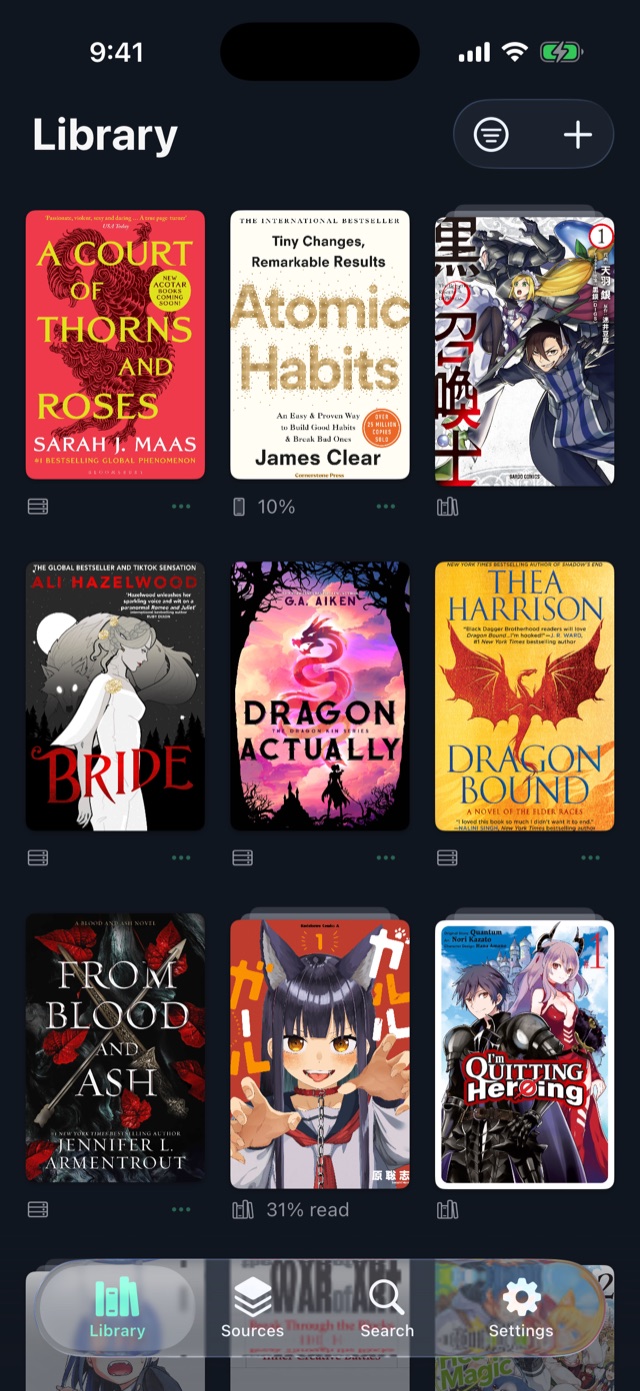
The ComBook library on iPhone: a grid of classic book covers with reading progress under each, and the book being read first.
Reading

EPUB and PDF

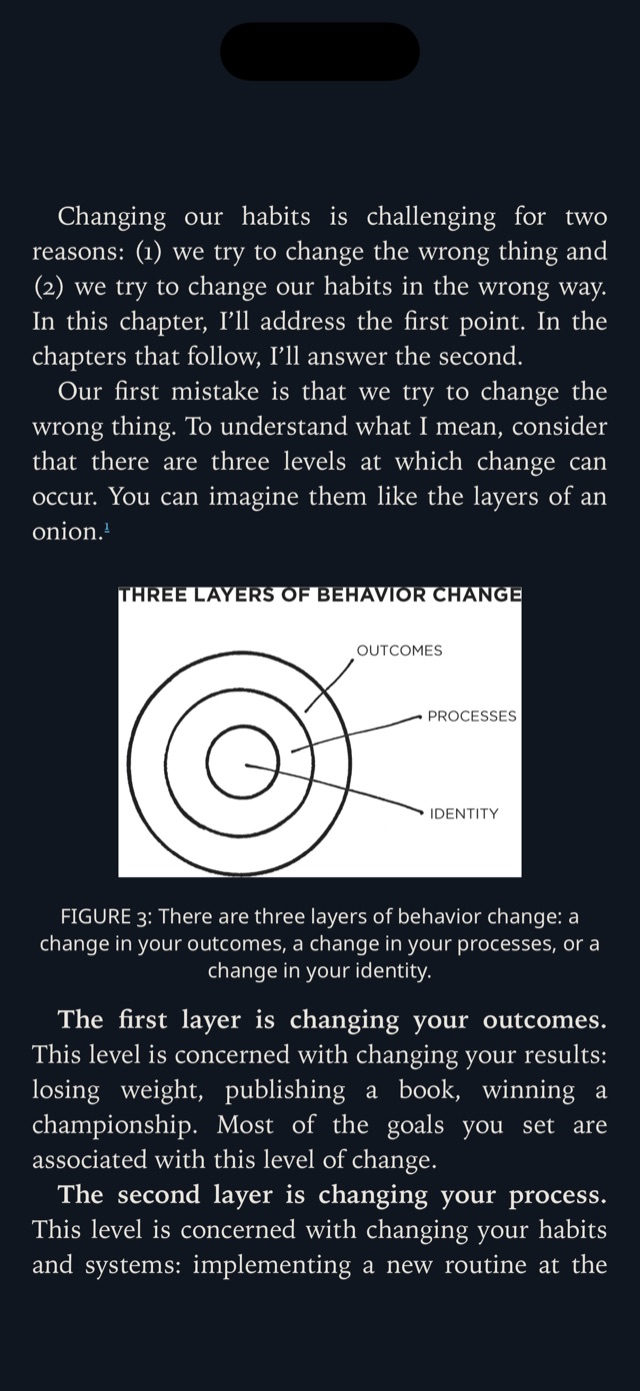
  • Paged or scrolling, rendered by the Readium toolkit. Tap the edges to turn the page and the middle for the controls.
  • Six themes and twelve fonts, including Literata, Atkinson Hyperlegible and OpenDyslexic. You can also set size, margins and spacing.
  • Highlights in five colours, notes and bookmarks. Press and drag to highlight, without fiddling with selection handles.
  • Search a book by exact phrase or by all words, with results grouped by chapter. Long tables of contents can be searched too.
  • Minutes or pages left in the chapter, and the screen can stay on while you read.
  • PDFs open in their own reader and keep their place like everything else.
Pride and Prejudice in ComBook's Sepia theme, with one passage highlighted in green and another in yellow.
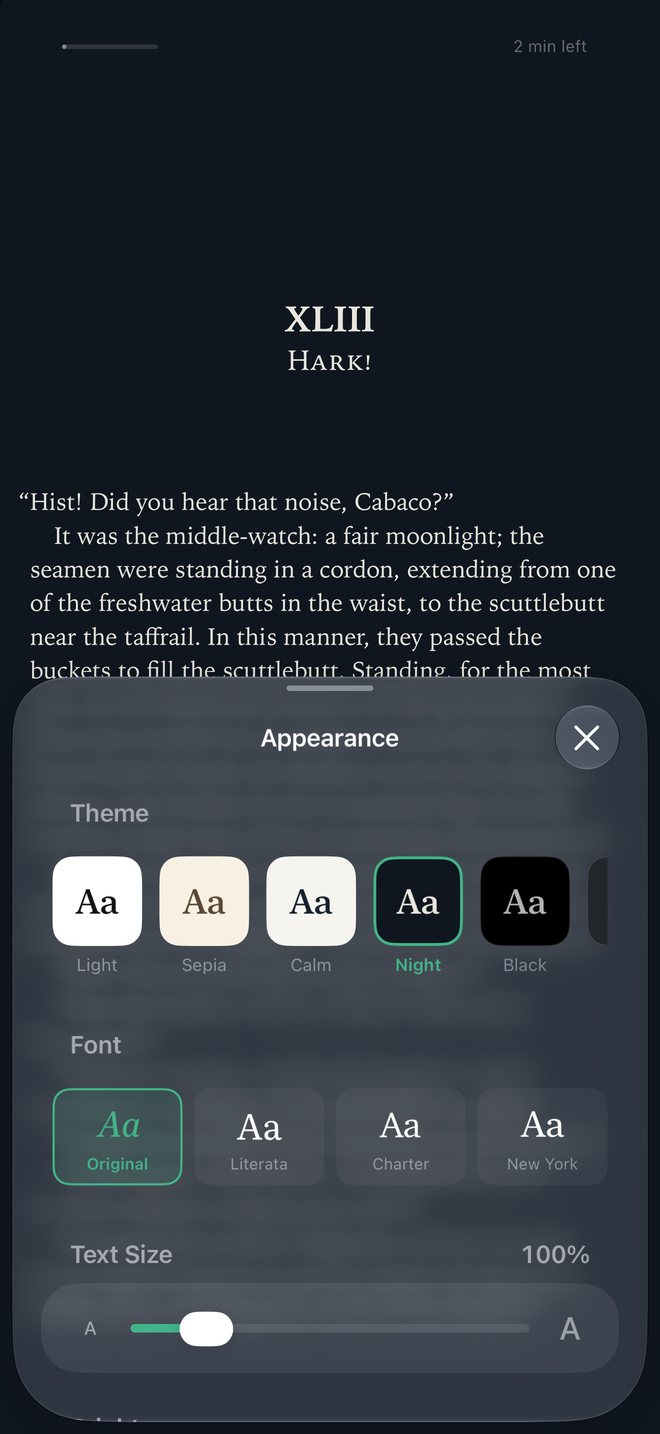
The appearance panel over a page of Moby Dick: theme cards, font cards and a text-size slider.
Comics & manga

An image reader, not a page of text

  • Full-resolution pages with pinch and double-tap zoom.
  • Right-to-left for manga, one continuous strip for webtoons.
  • Reads CBZ and image-only EPUBs. Series and volume order come from ComicInfo.xml.
  • Comics your server stores as CBR are converted to CBZ while they download from Kavita or Komga.
  • Catalogs with OPDS page streaming can be read page by page, without downloading the whole book.
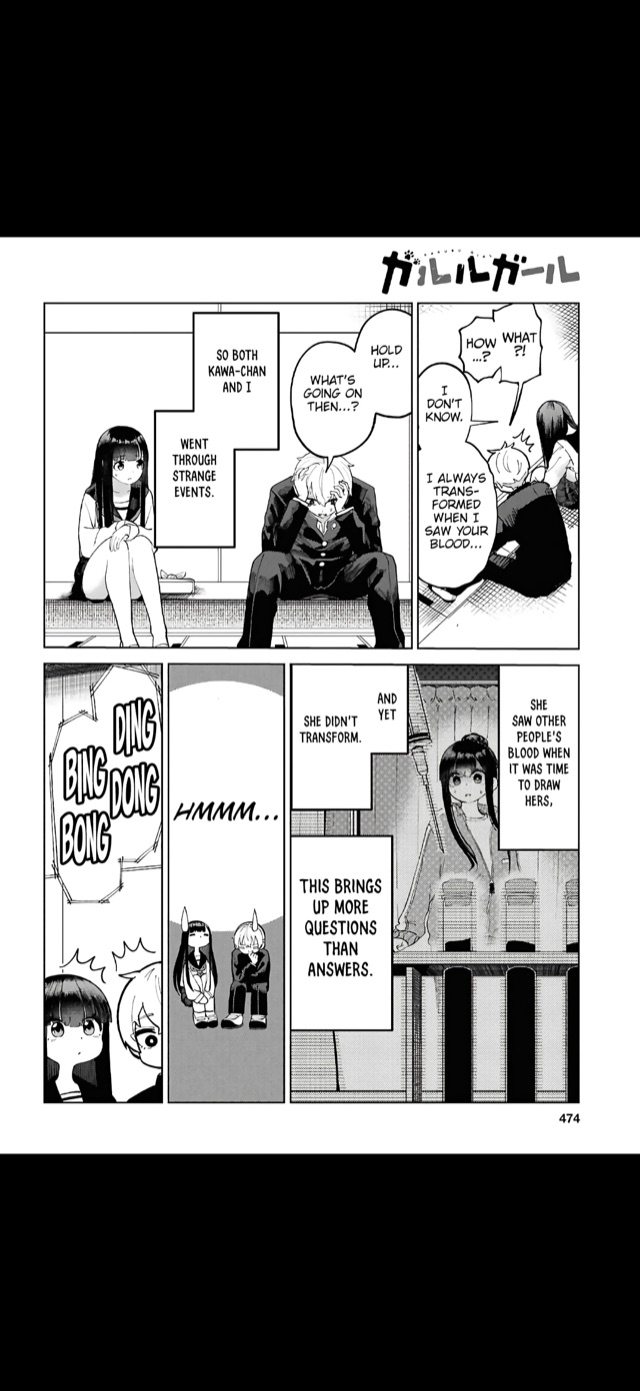
A Pepper&Carrot page on iPhone with the reader controls up: a strip of page thumbnails, the page count, and buttons for rotation, reading direction, contents and bookmarks.
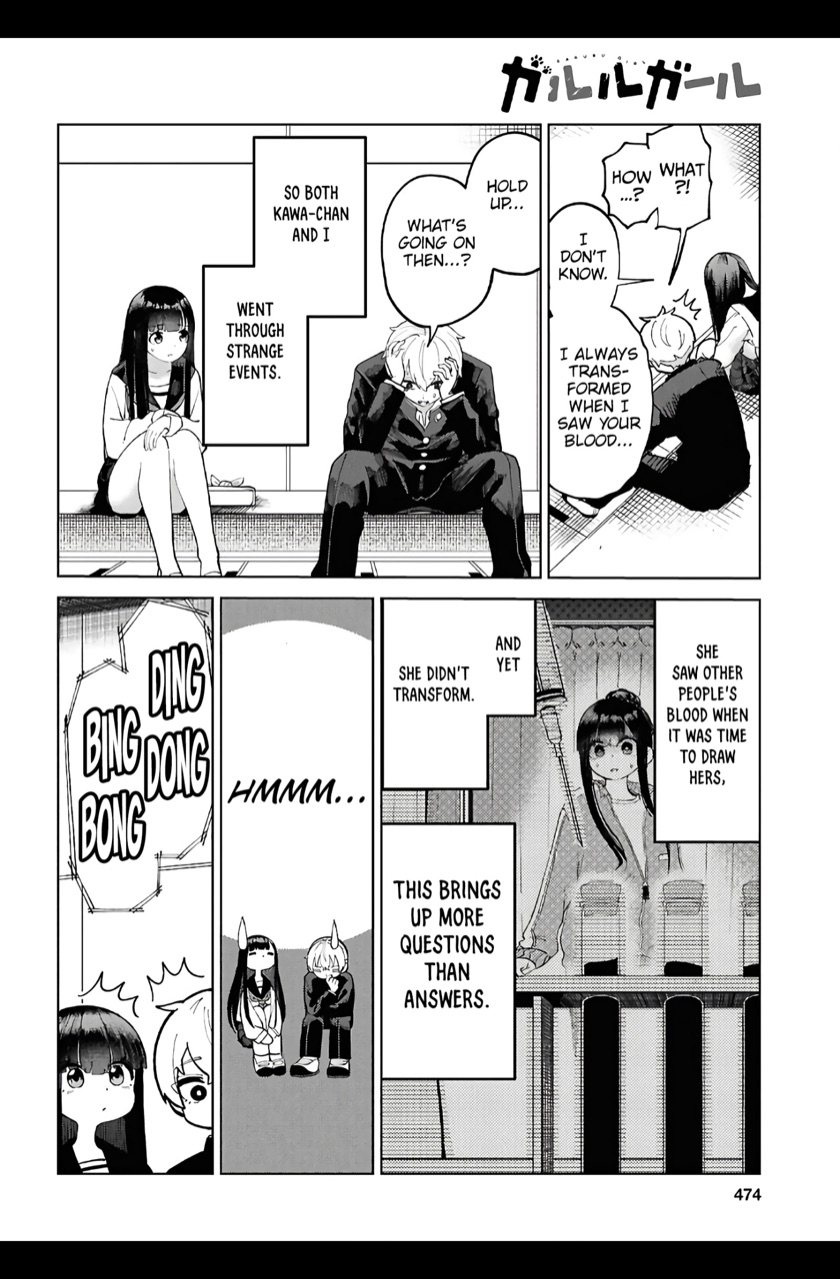
A full Pepper&Carrot comic page on iPad, edge to edge.
Kavita · Komga · OPDS

Your servers, in the app

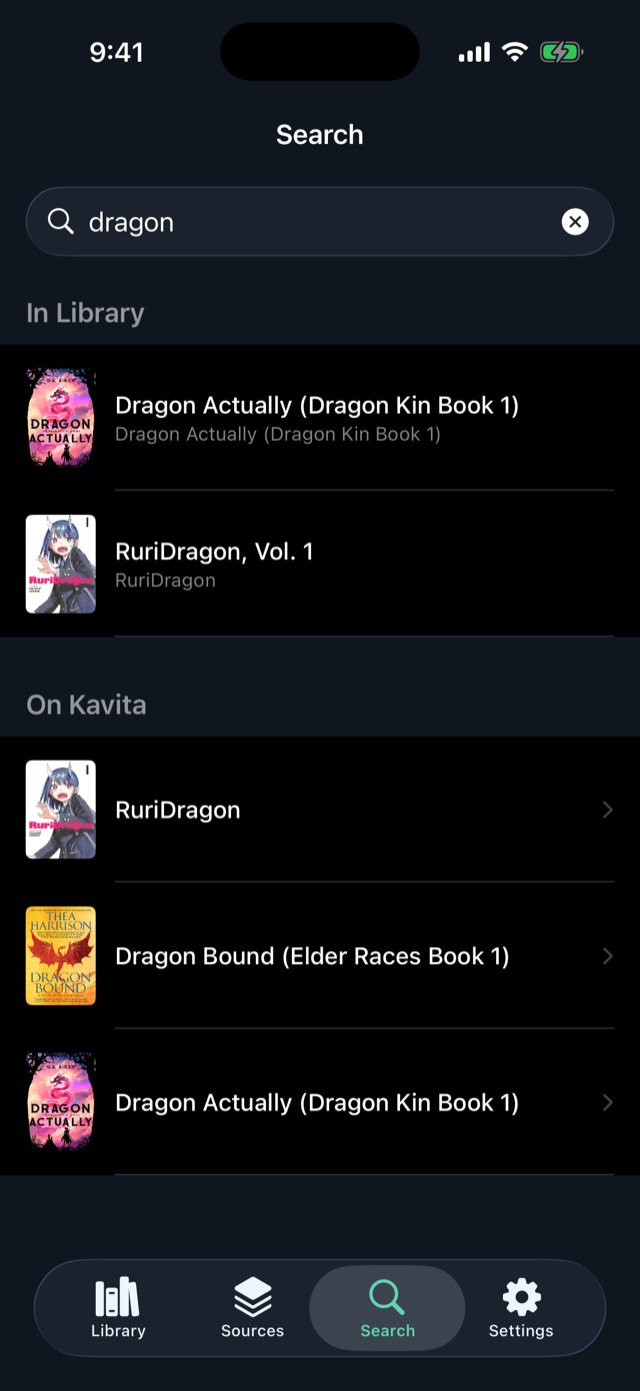
  • Kavita and Komga through their own APIs: browse your libraries, download, read offline. Each server shows at a glance whether it is reachable.
  • OPDS 1 and 2 for everything else, such as Calibre-Web, Stump, Project Gutenberg or your own feed.
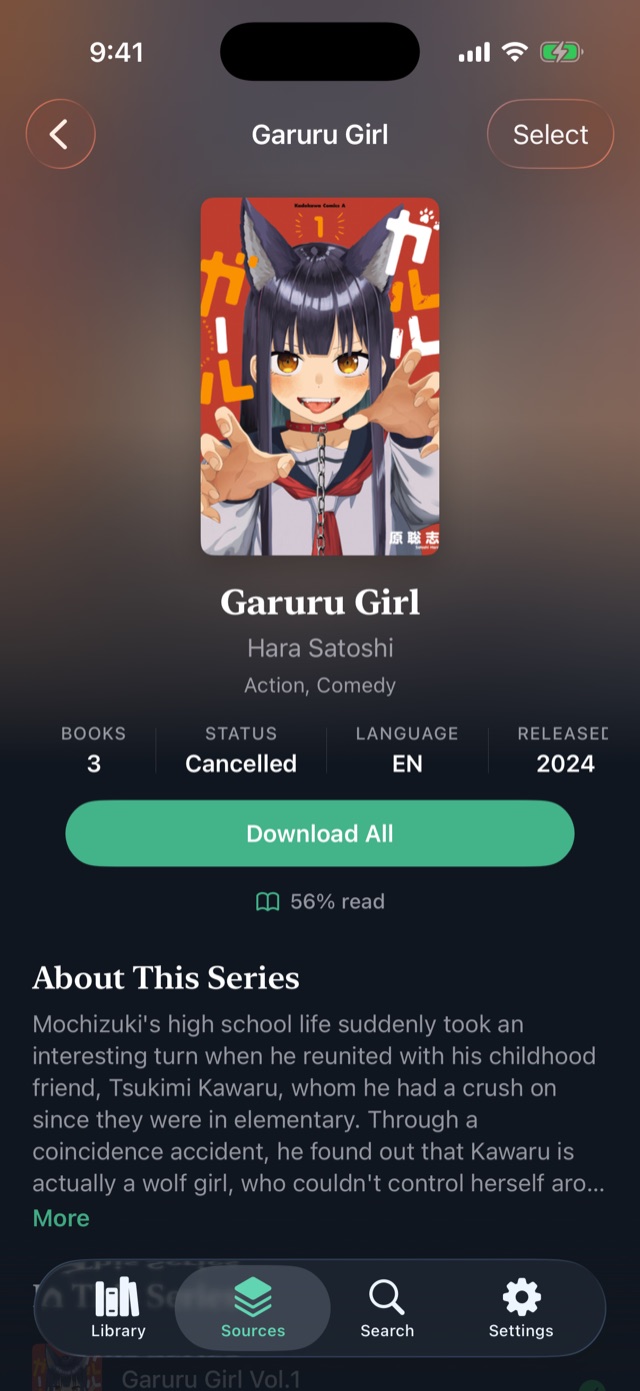
  • A series page shows what is on the device and what is still on the server, with a download button per volume.
  • Home and away. Give a server its LAN address as well, and ComBook uses it on your home Wi-Fi once it has checked that it is the same server and account. Everywhere else it uses the public address.
  • Screens and covers you have seen stay cached, so browsing works offline. Interrupted downloads resume.
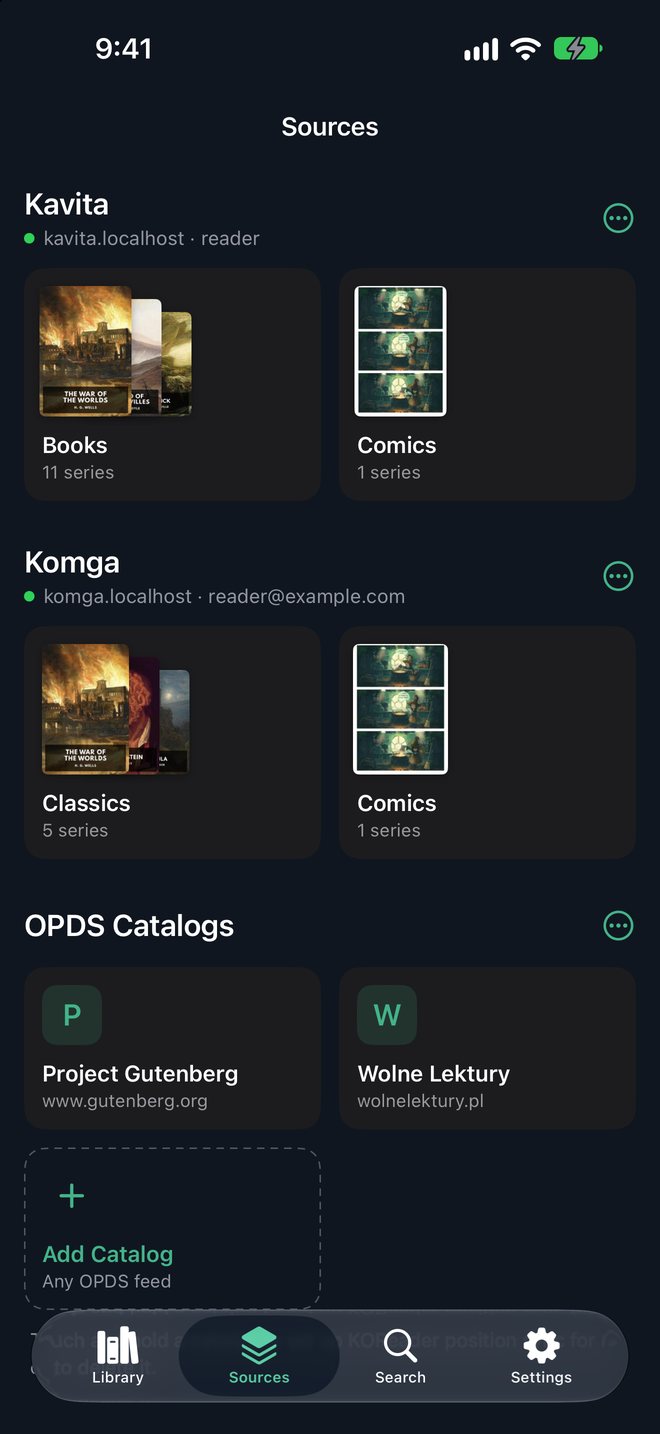
ComBook's Sources tab: Kavita and Komga sections with their libraries as cover tiles, each headed by the server and account, and two OPDS catalogs below.
The Pepper & Carrot series page from a Kavita server, with series details, a Download All button and the episodes listed below.
Sync

What syncs, and where it goes

Books from Kavita or Komga sync with the server they came from. Books you import or download from a catalog keep their reading state where you choose: on the device, in iCloud Drive, or on a KOReader sync server.

Server Books Position Highlights & notes Bookmarks
Kavita Browse, download, read offline Two-way, to the spot on the page Two-way Two-way
Komga Browse, download, read offline Two-way On the device On the device
OPDS catalog Download, or stream comics Not written back Not written back Not written back
KOReader syncKomga, Calibre-Web-Automated, kosync — Two-way, your own files Not in the protocol Not in the protocol
iCloud Drive Files mirror between your devices Two-way, your own files Two-way Two-way
On deviceThe default — Nothing leaves Nothing leaves Nothing leaves

Your place is sent shortly after you stop turning pages and when you close the book. It is fetched again when a book opens or the app comes back. The device that read last wins. If the server holds a newer position that is far behind yours, for example from a second device that missed your reading, ComBook asks before jumping back.

Also in the app

The rest of it

Series, grouped

Volumes of a series collapse into one shelf entry with its own page. Membership comes from the book, ComicInfo.xml or the server, so there is nothing to tag by hand.

Reading stats

Time and pages read over a week, a month, a year or all time, plus a daily goal and a streak. Kept on the device.

Widgets

Continue Reading and Reading Goal on the Home Screen. Tapping one opens the book.

Storage

See what each download takes up, and which finished books can safely go back to the server they came from.

Import

EPUB, CBZ and PDF from the Files app, iCloud Drive or an SMB share. They are kept as you gave them, in a folder you can open.

Offline

Downloaded books read without a network. Progress waits and syncs once the server answers again.

Privacy

What leaves the device

No account, no analytics

There is nothing to sign up for. No telemetry, and no crash-reporting, ad or attribution SDKs.

Only your servers

The app talks to the addresses you enter and nowhere else. API keys and passwords live in the iOS Keychain.

iCloud is opt-in

Off unless you turn it on. Then your files and reading state go to your own iCloud Drive.

Read the privacy policy

Limits

What it does not do

Price

Free to read. Paid to connect.

Free

The reader

No cost, no account, no limits.

  • Import EPUB, CBZ and PDF and read them all.
  • Themes, fonts, highlights, notes, bookmarks, search, series, reading stats and widgets.
  • Reading state stays on the device.
  • No ads, no caps, no trial timer.
ComBook Pro

The integrations

€12.99 once. Not a subscription.

  • Kavita and Komga: browse, download, sync.
  • OPDS catalogs, including comic page streaming.
  • KOReader position sync.
  • iCloud sync for your own files.
  • Bought once per Apple Account, restored on all your devices.

Pro only talks to machines you already run, so you buy it once instead of renting it.
Status

Where the app is right now

Support

Something broken, or missing?